3 Best Webinar Software for Salesforce CRM [2026]
There are a few options when looking to integrate your webinar software with Salesforce CRM. We have tested and gathered the best Salesforce integrations in the webinar software category. Check them out below.
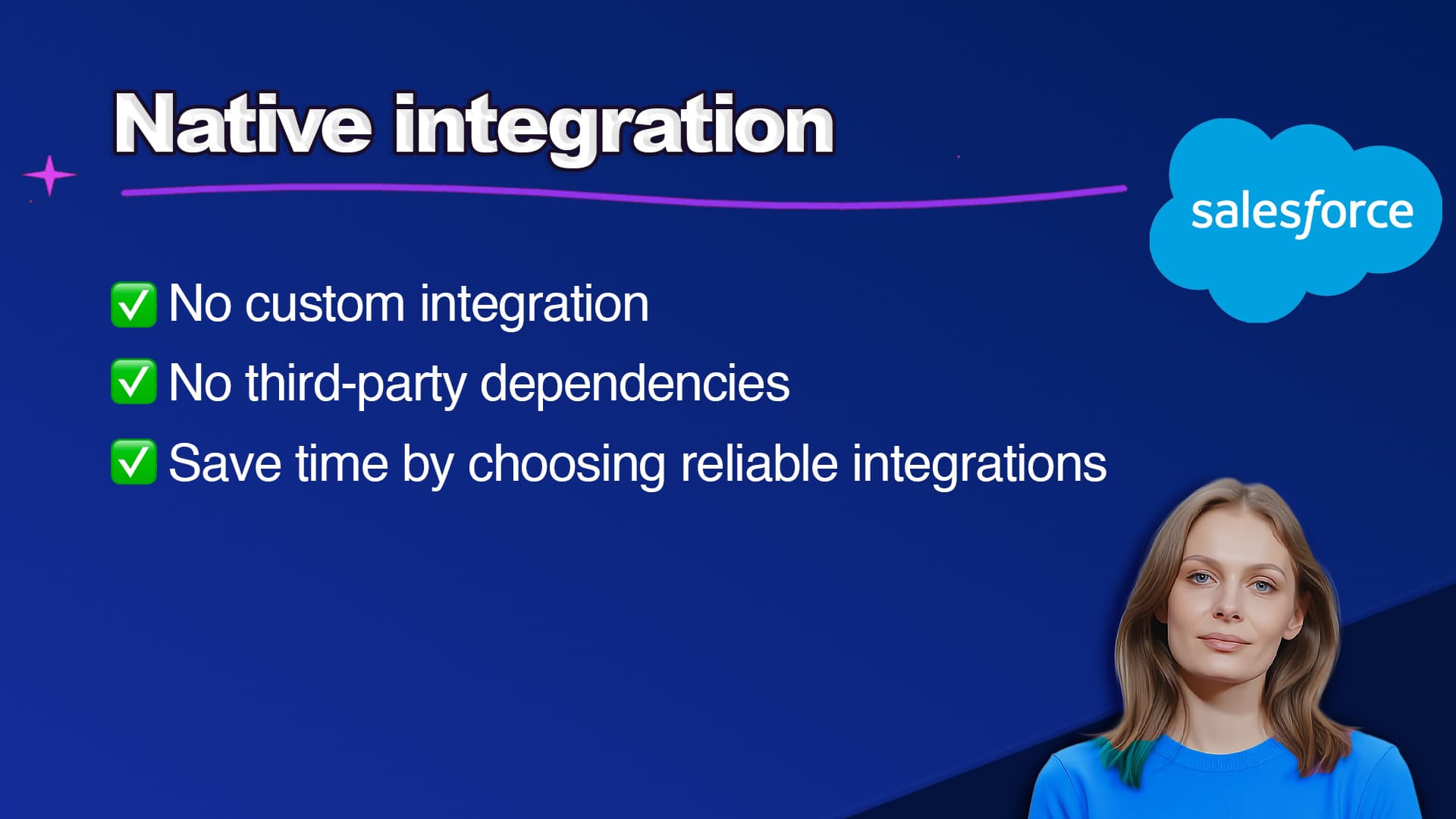
TLDR: Univid stands out as the best webinar software for Salesforce in 2026, built specifically for Salesforce, with a native, flexible integration, and top-rated by the community with 4.8/5.
Based on aggregated reviews, when choosing webinar software for Salesforce CRM, buyers in this market value parameters like:
Offers native integration with Salesforce CRM and Pardot Forms.
Allows seamless lead capture directly into your Salesforce campaigns.
Syncs contacts in real-time to track webinar engagement.
Quick and easy setup for Salesforce CRM users.
Works with Salesforce Campaigns and supports connected workflows with other Salesforce-integrated tools, too, like Marketo or Pardot
Flexible setup for registration that works both with the webinar native landing page or Salesforce Forms, depending on where your webinar admins work and are comfortable.
Offers Salesforce-specific support.
Find your webinar software designed to work within the Salesforce ecosystem below.
Top 3 listings in Best Webinar Software for Salesforce CRM [2026]
Full comparison - 3 Best Webinar Software for Salesforce CRM
Below is a full comparison of the 3 different softwares in June 2026. Based on user testing, surveying users, polls, and aggregating reviews from sites like Capterra, G2, etc.
| Software | Standout feature | User rating* |
|---|---|---|
 | Native Salesforce CRM integrationConnects to Salesforce Account Engagement (Pardot)Zapier triggersZapier actionsEngagement triggersAdvanced branding optionsNo video conferencing support | 4.8 |
 | Connects to Marketing Cloud Account Engagement (Pardot)Zapier triggersZapier actionsLimited engagement triggersVideo conferencing supportBasic branding options | 4.5 |
 | Connects to Salesforce Account Engagement (Pardot)Zapier triggersZapier actionsLimited engagement triggersVideo conferencing supportBasic branding options | 4.4 |
Learn more about choosing the Best Webinar Software for Salesforce CRM
When choosing a webinar platform that integrates with Salesforce CRM, there are key factors to prioritize. Especially if you want to run efficient, automated, and scalable webinars inside your Salesforce-powered marketing stack. Here are four critical things to consider when selecting the best webinar software for Salesforce:
1. Flexibility and Automation
As a Salesforce user, you want your webinar software to work seamlessly with your existing Salesforce setup - whether you are using Marketing Cloud or just Salesforce CRM. You want to make sure the setup is flexible, you have access to automated workflows, and works with other products in the stack without manual work or custom setups.
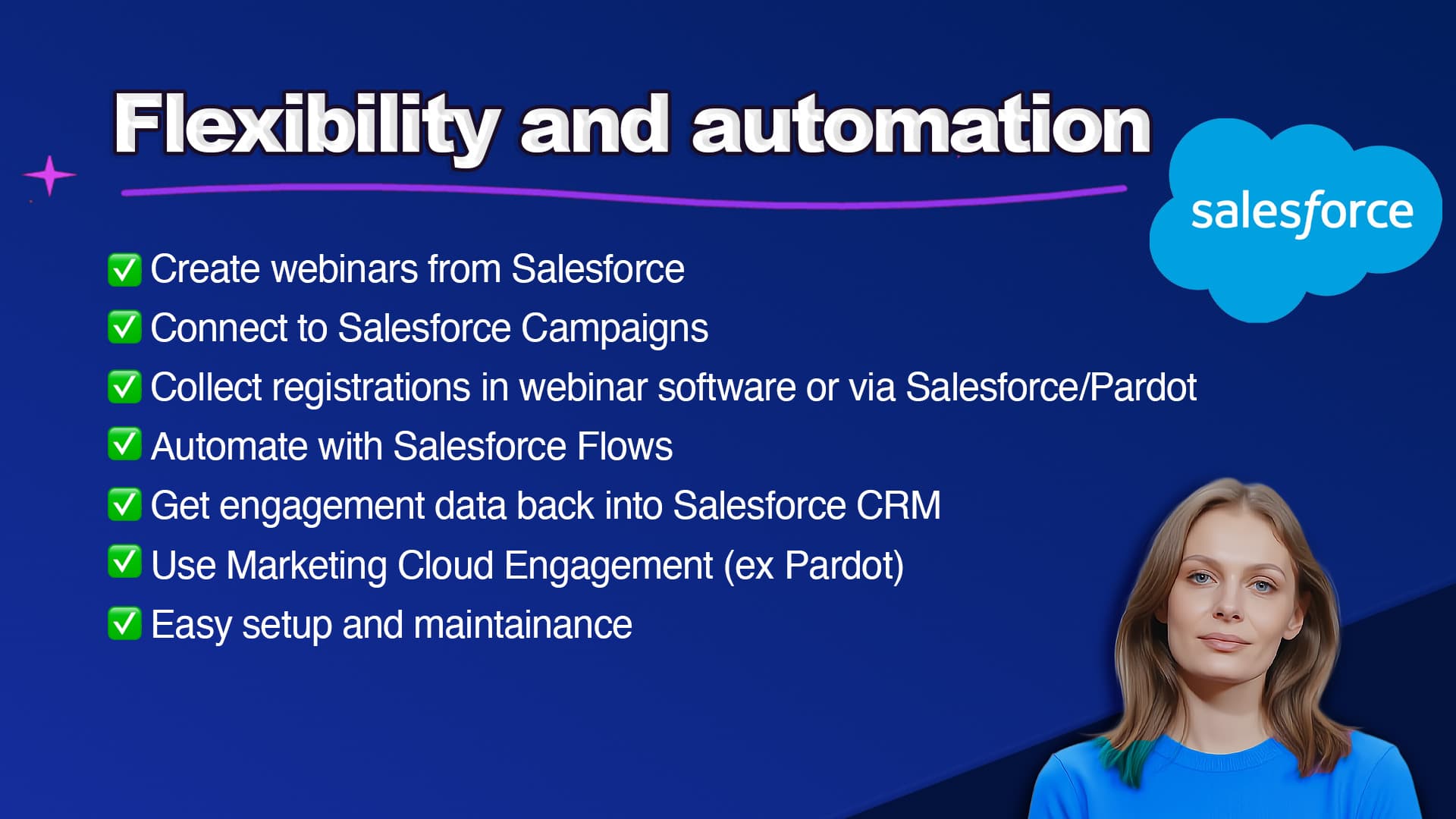
The best webinar software for Salesforce helps you:
Run webinars connected to Salesforce Pardot forms or landing pages in the webinar software.
Automatically send out personal links (via webinar software or Salesforce emails).
Easily get personal links to manage emails from Salesforce.
Get the attendance status from the webinars into Salesforce CRM.
Get engagement insights like watch time, or chat messages from webinar into Salesforce Contacts.
Build Salesforce workflows based on webinar engagement data.
2. Native Salesforce Integration
Look for webinar software with native Salesforce integration. Not just a Zapier or Make integration (even though those can be a good addition for other webinar automation too).
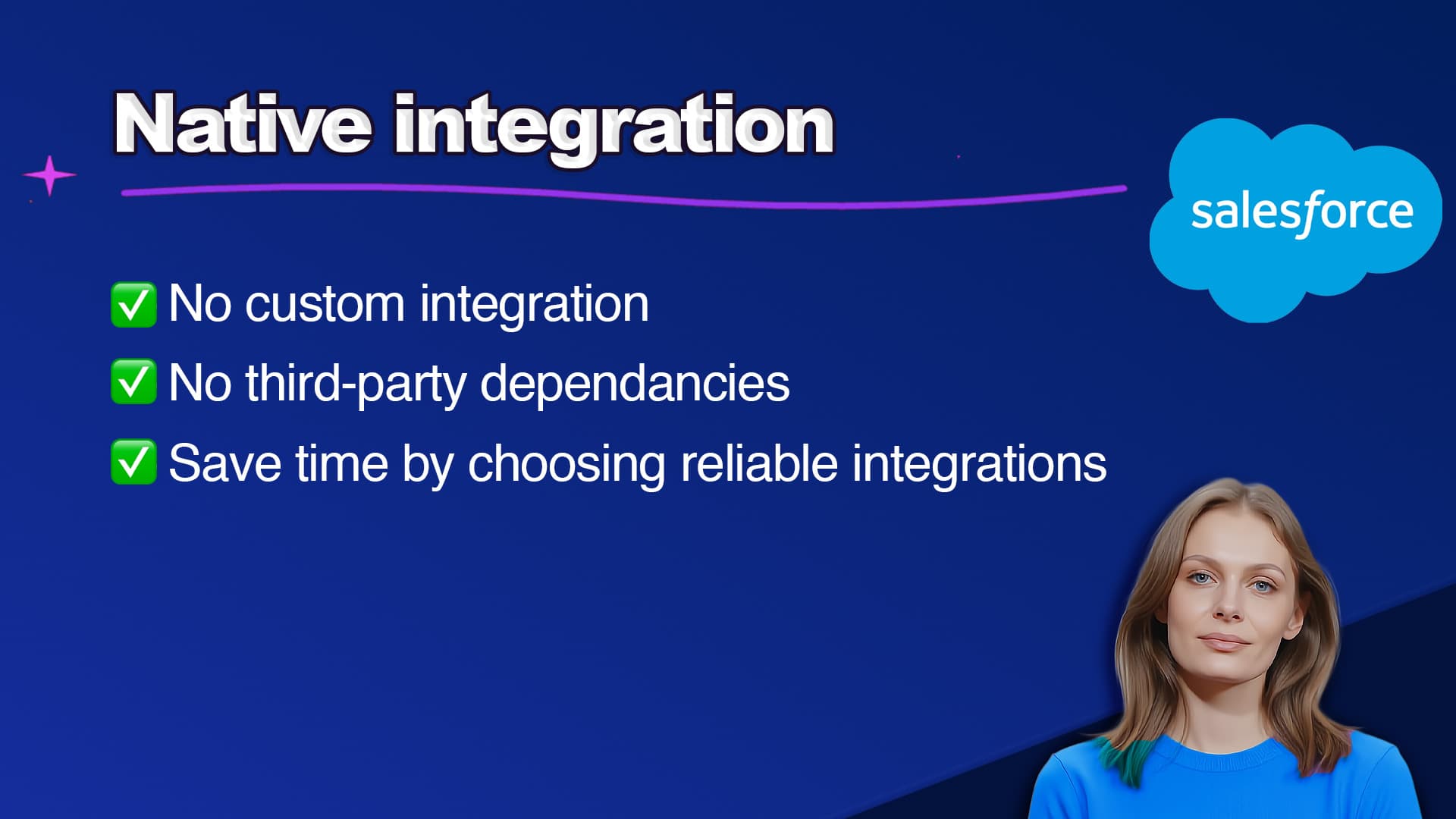
This is crucial because native CRM integrations (not via third-party tools like Zapier) provide faster and more reliable data syncing. And an overall better user experience.
Thus, when choosing the best webinar platform for Salesforce:
Prioritize tools that offer native, two-way integrations.
Check user reviews specifically for Salesforce integration quality.
Confirm that the webinar software supports Salesforce Pardot forms (Marketing Cloud Engagement), workflows, and contact property updates directly.
If your webinar tool isn’t fully integrated with Salesforce, you’ll miss automation opportunities and create manual work for you (and for your team).
3. Attendee Experience
Despite the best integration in the world, your webinars won't leave a good impression or impact if they do not provide a world-class attendee experience.
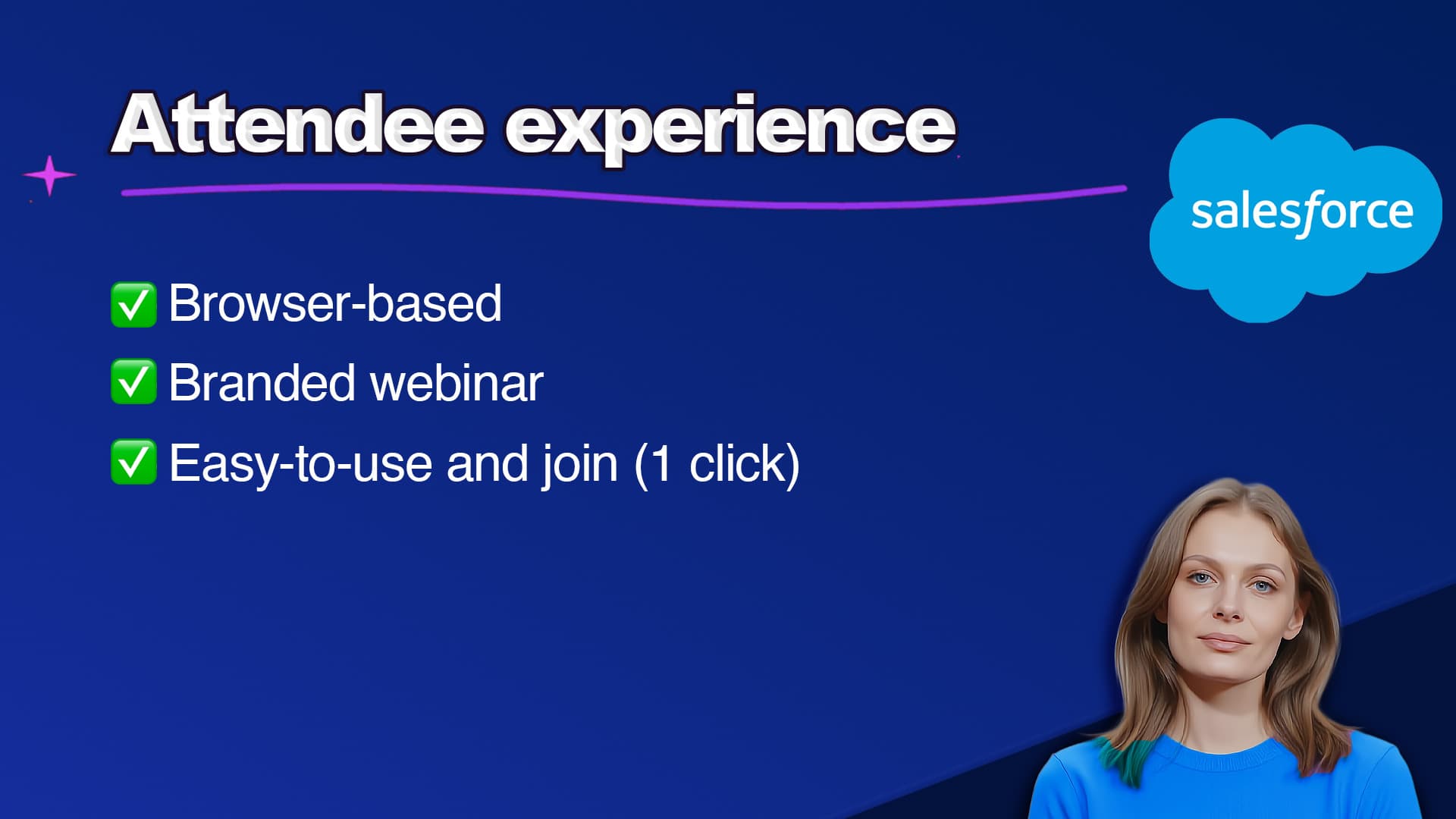
The best webinar software for Salesforce should help you create stylish, modern webinar experiences that impress both prospects and customers.
Consider:
A platform that supports integrating with Salesforce Campaigns
Customizable registration pages that match your brand, and/or support signups via Pardot forms (Marketing Cloud Engagement)
Easy calendar invites and automated follow-up through Salesforce (personal link support)
Great attendee experiences improve webinar show-up rates. And will keep your audience engaged.
4. Ease of Use
Webinar software for Salesforce should be easy to use - not just for you, but for your entire team.
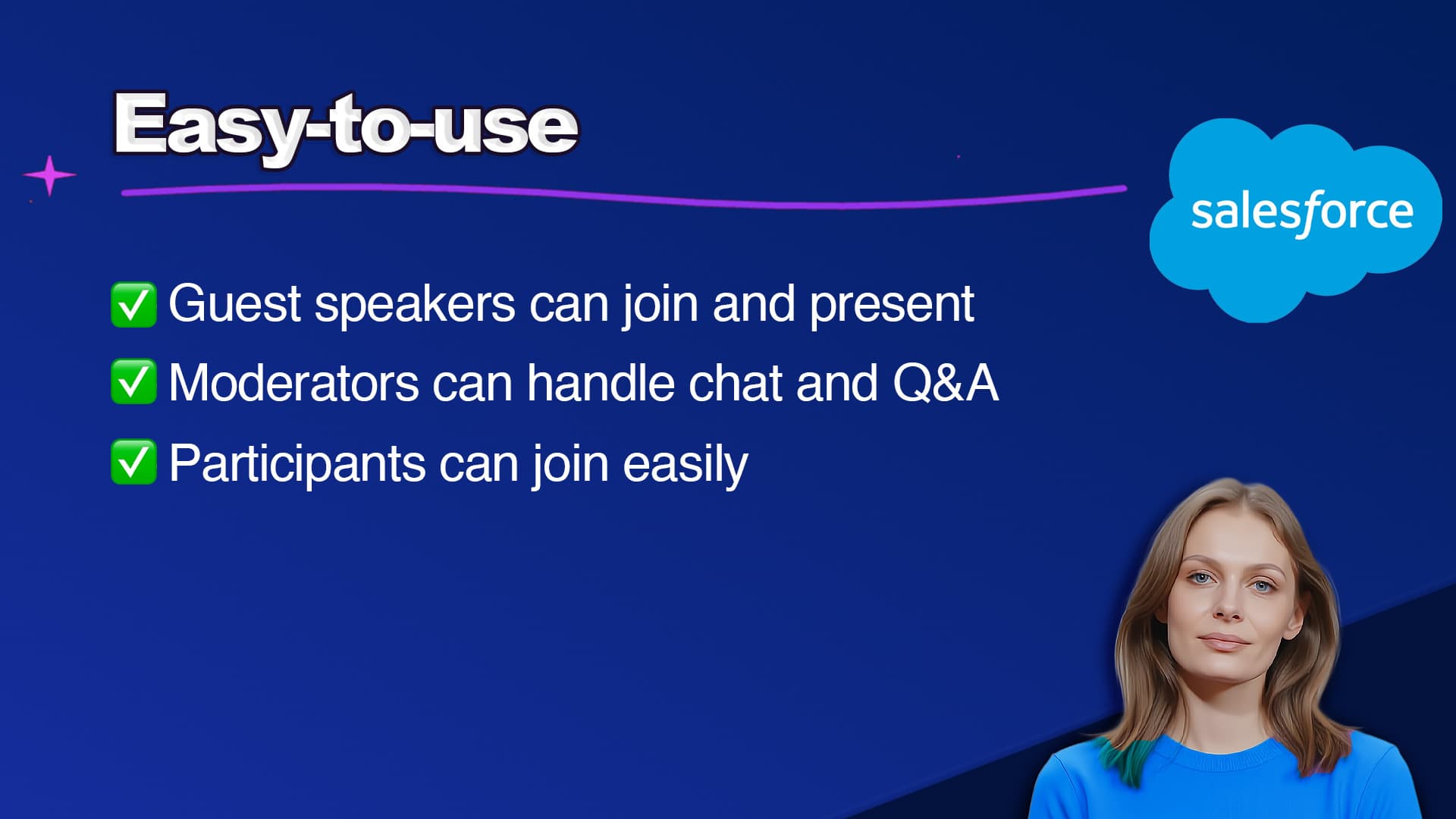
If the platform is complex:
You’ll become the bottleneck in webinar production.
You’ll face more technical issues during live sessions.
Guest speakers and new team members will struggle to navigate the system.
Choose webinar software that is intuitive and designed for hosting webinars. Especially, if you are planning to scale your webinar strategy, connected to Salesforce CRM.